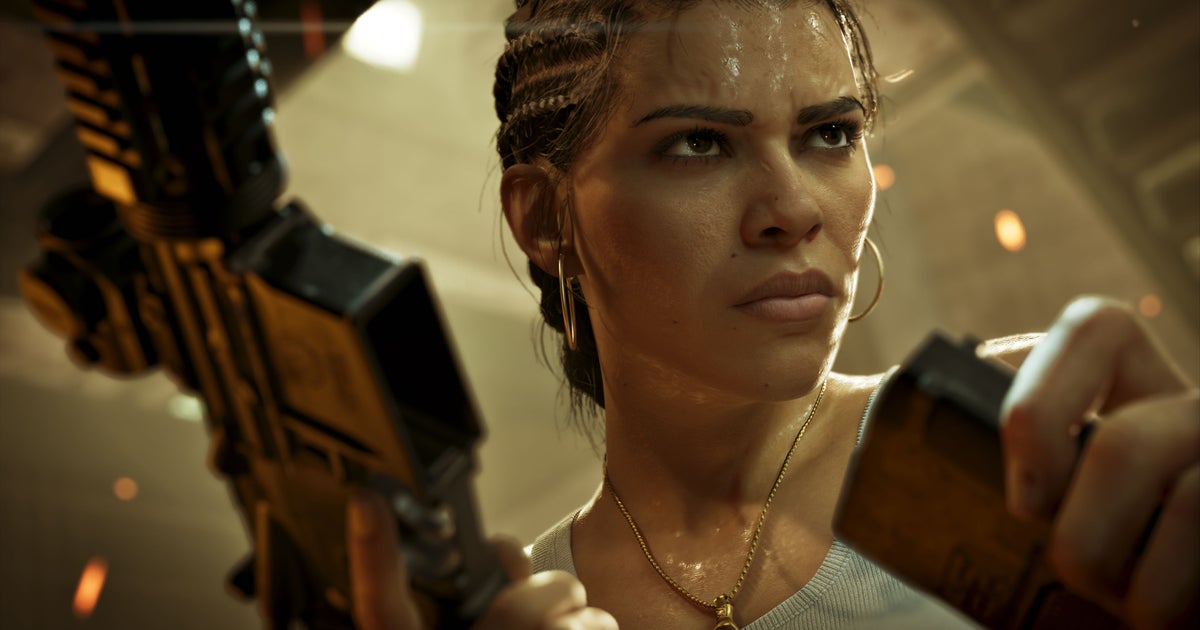
According to Eurogamer, you can switch back to the old controls directly from the very first screen presented when starting the game.
How to switch to classic controls
- Boot up Grand Theft Auto 6 on your PlayStation 5 or Xbox Series X|S.
- On the initial setup screen that appears before reaching the main gameplay or menu, locate the control scheme prompt.
- Select the option to toggle from the overhauled modern controls to the classic layout.
- Confirm your selection to proceed into the game with the traditional control scheme enabled.
What to watch out for
Because the game introduces new interaction mechanics—such as using vehicle trunks to stow weapons, disguises, and stolen gear—the exact mapping for these updated features under the classic layout can take a moment to get used to. If you skip past the first startup prompt, check your general settings menu to see if the toggle can still be adjusted later, though specific sub-menu locations have not yet been detailed across broader guides.
What it unlocks
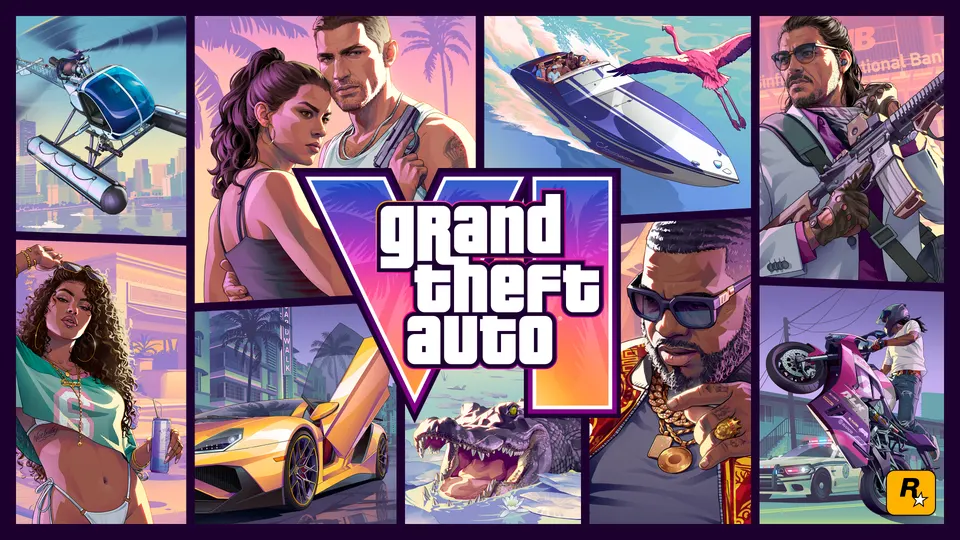
Reverting to the old controls lets you jump into Jason and Lucia's story with the familiar muscle memory from previous Grand Theft Auto titles, bypassing the learning curve of the revised default setup.



Comments
Discuss on r/GTA6Sourced ↗No comments yet. Be the first to say what you noticed.