
How to check and order on Blinkit
- Open the Blinkit app on your mobile device and ensure your delivery address is set to your current location.
- Search for "GTA 6" or "Grand Theft Auto VI" in the top search bar.
- Locate the PlayStation 5 listing showing the "digital code in box" edition.
- If your local dark store has stock, add the item to your cart and complete checkout for rapid delivery.
According to IGN India, the service initially launched in select zones across Delhi, Gurugram, Faridabad, Ghaziabad, Noida, Bengaluru, Hyderabad, Mumbai, Pune, Kolkata, and Ahmedabad, with plans to expand to additional cities.
Pitfalls to watch out for
- No game disc: The package delivered to your door is a physical case containing a digital voucher code, not a physical Blu-ray disc. You will still need an internet connection to download the full game data to your console.
- PS5 only: Currently, the listing is restricted exclusively to the PlayStation 5 version; there is no option for Xbox Series X|S players on the platform.
- Frequent stockouts: Availability depends entirely on whether your neighborhood dark store has inventory. Unverified reports cited by IGN India noted that stock sold out rapidly in several hubs like Bengaluru and Kolkata shortly after going live.
What you receive
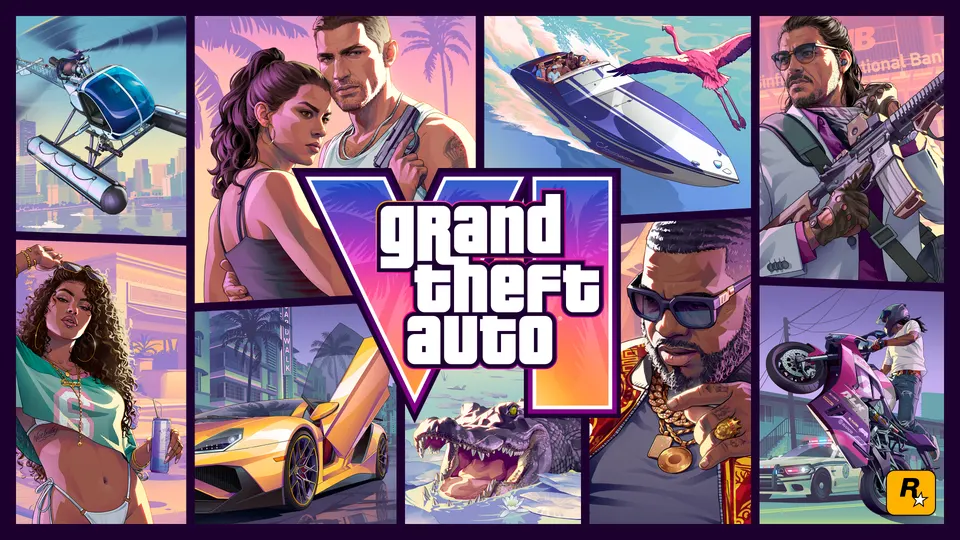
Successful orders unlock a retail-packaged game box featuring official artwork for your shelf alongside the redemption code needed to activate and pre-load Grand Theft Auto VI on the PlayStation Network ahead of launch day.



Comments
Discuss on r/GTA6Sourced ↗No comments yet. Be the first to say what you noticed.